01 · SCAN WHAT YOU OWN
One bottle—or the whole shelf.
Photograph a label, a shelf, or a receipt. Review what Cellar found, make any edits, then add the bottles to your collection.
Up to 12 photos in one batch.
A cellar and bar app, made by a wine-shop family.
Scan a label, shelf, or receipt. Cellar identifies what you own, tells you when it is ready, and recommends what to open with dinner.
Available on iPhone, Android, and desktop.
Useful from the first bottle
How it works
Add a bottle in seconds. Cellar handles the organizing; Adam helps you decide what to drink.
01 · SCAN WHAT YOU OWN
Photograph a label, a shelf, or a receipt. Review what Cellar found, make any edits, then add the bottles to your collection.
Up to 12 photos in one batch.
02 · KNOW WHAT IS READY
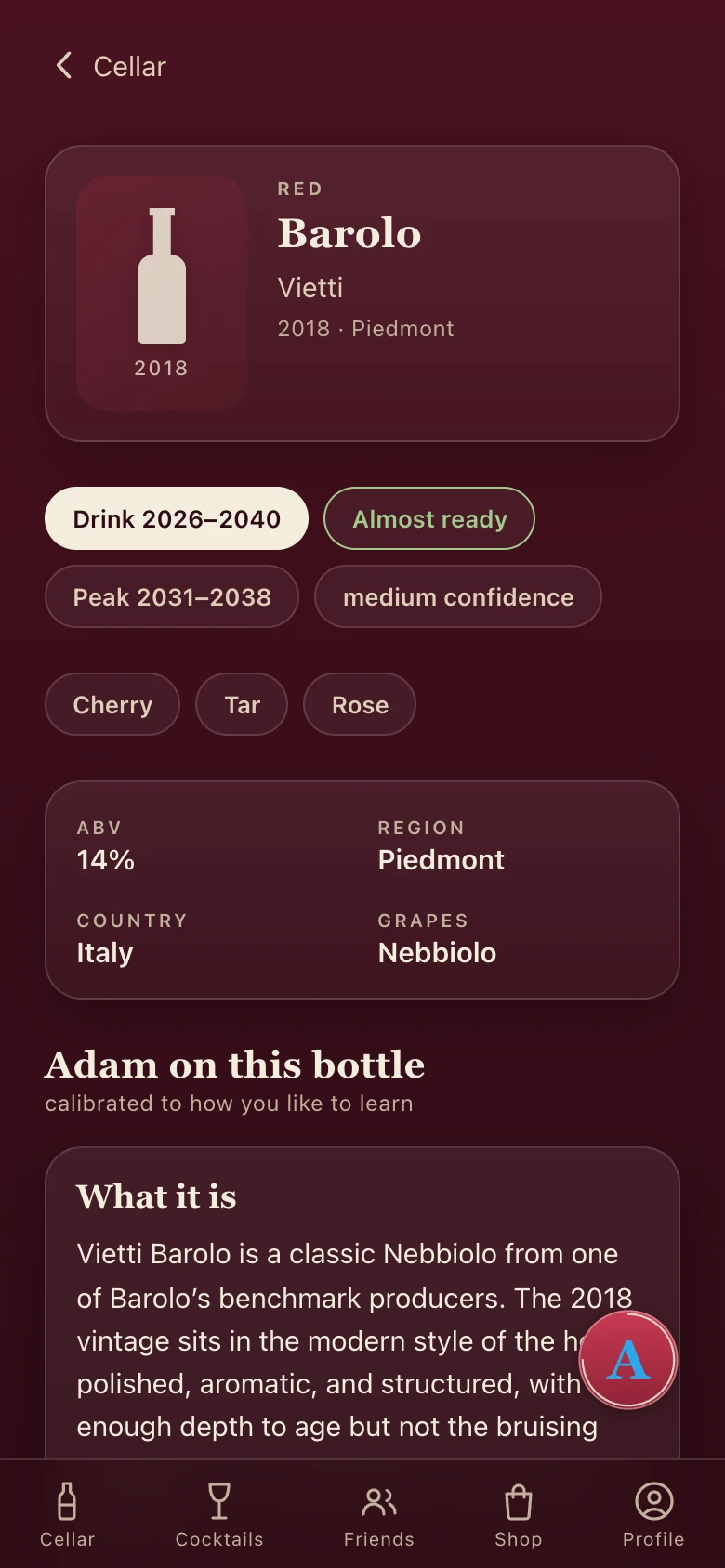
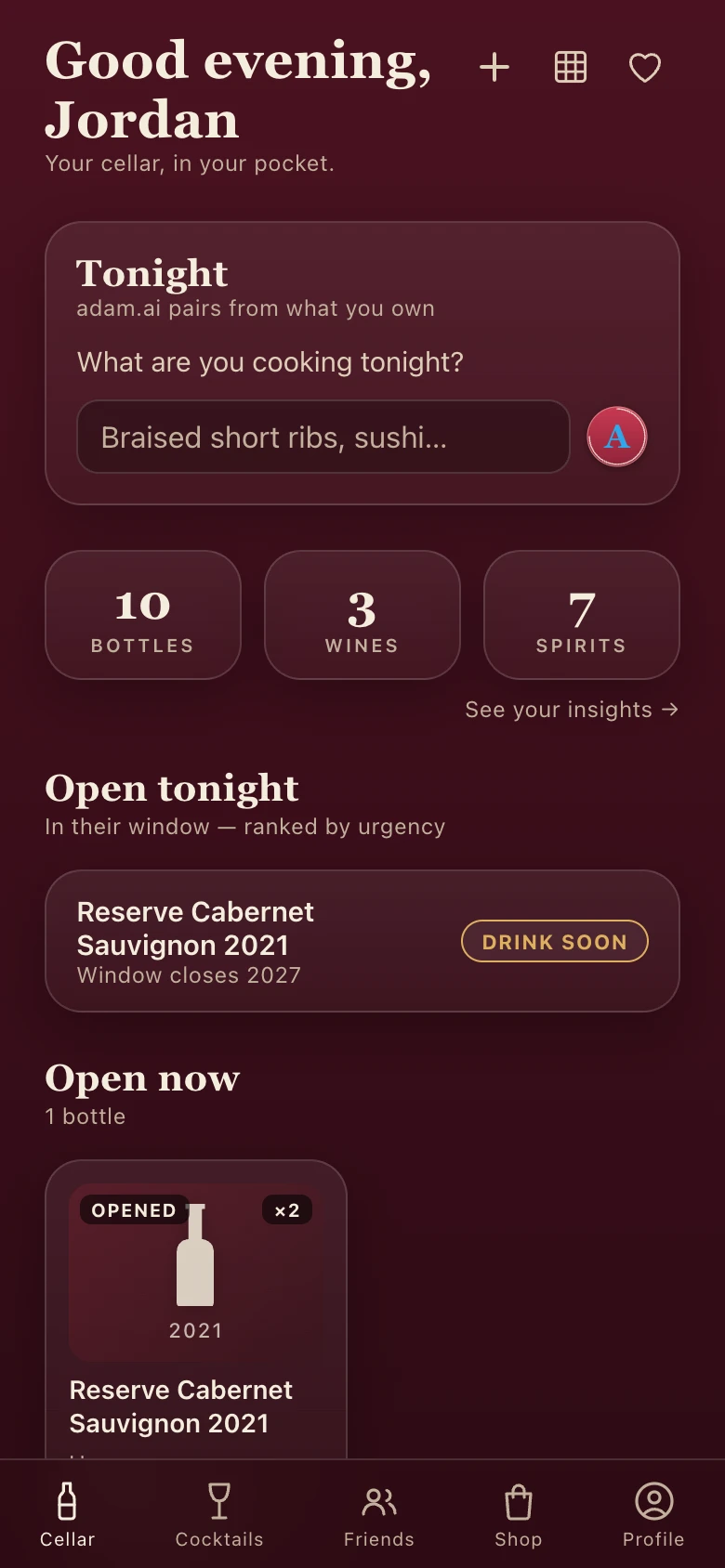
Every wine gets a drinking window that updates over time, so you know what to wait on, what is at its peak, and what to open now.
Your “Open tonight” list updates automatically.
03 · LEARN YOUR TASTE
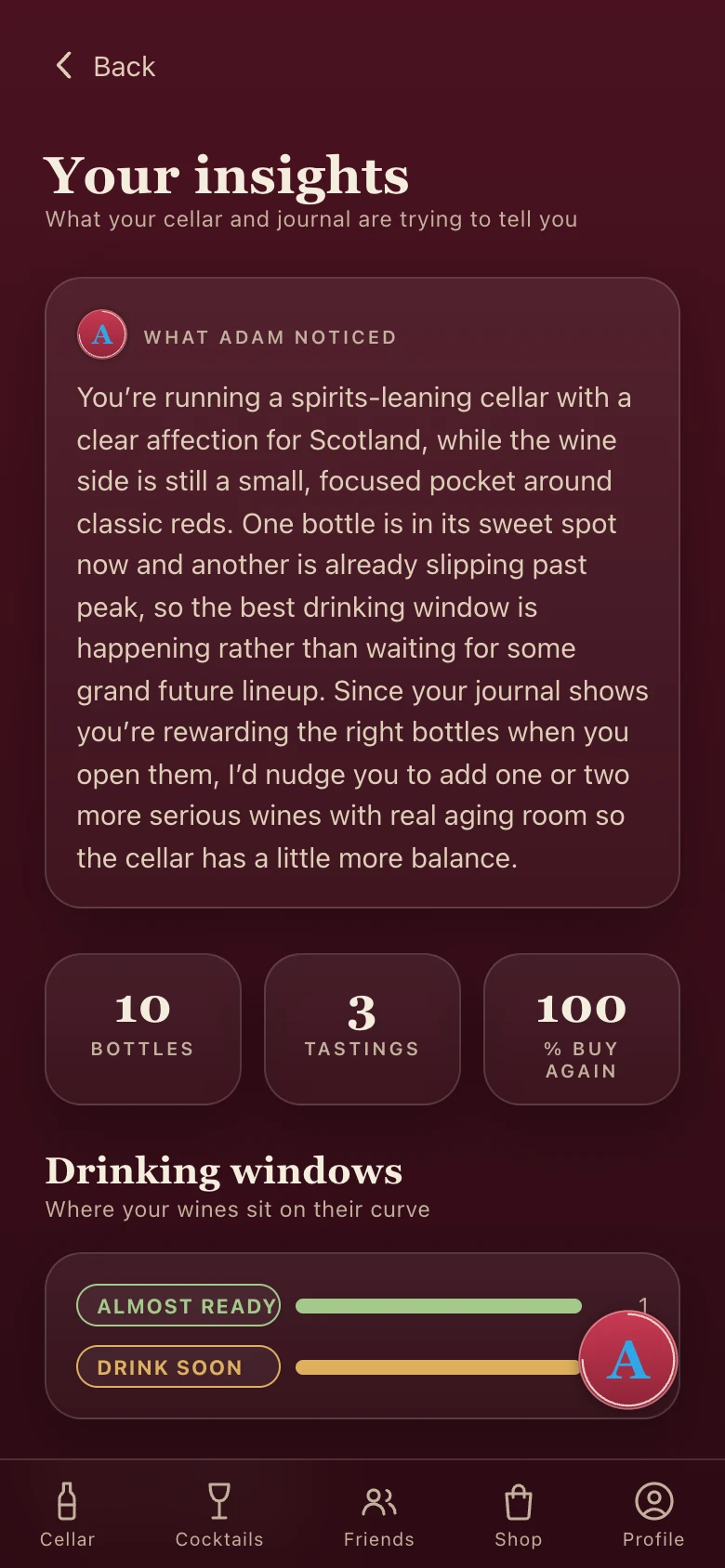
Log each pour and Cellar builds your Taste DNA, spots patterns in what you love, and helps Adam make better recommendations.
A tasting journal that grows with you.
Wine and spirits
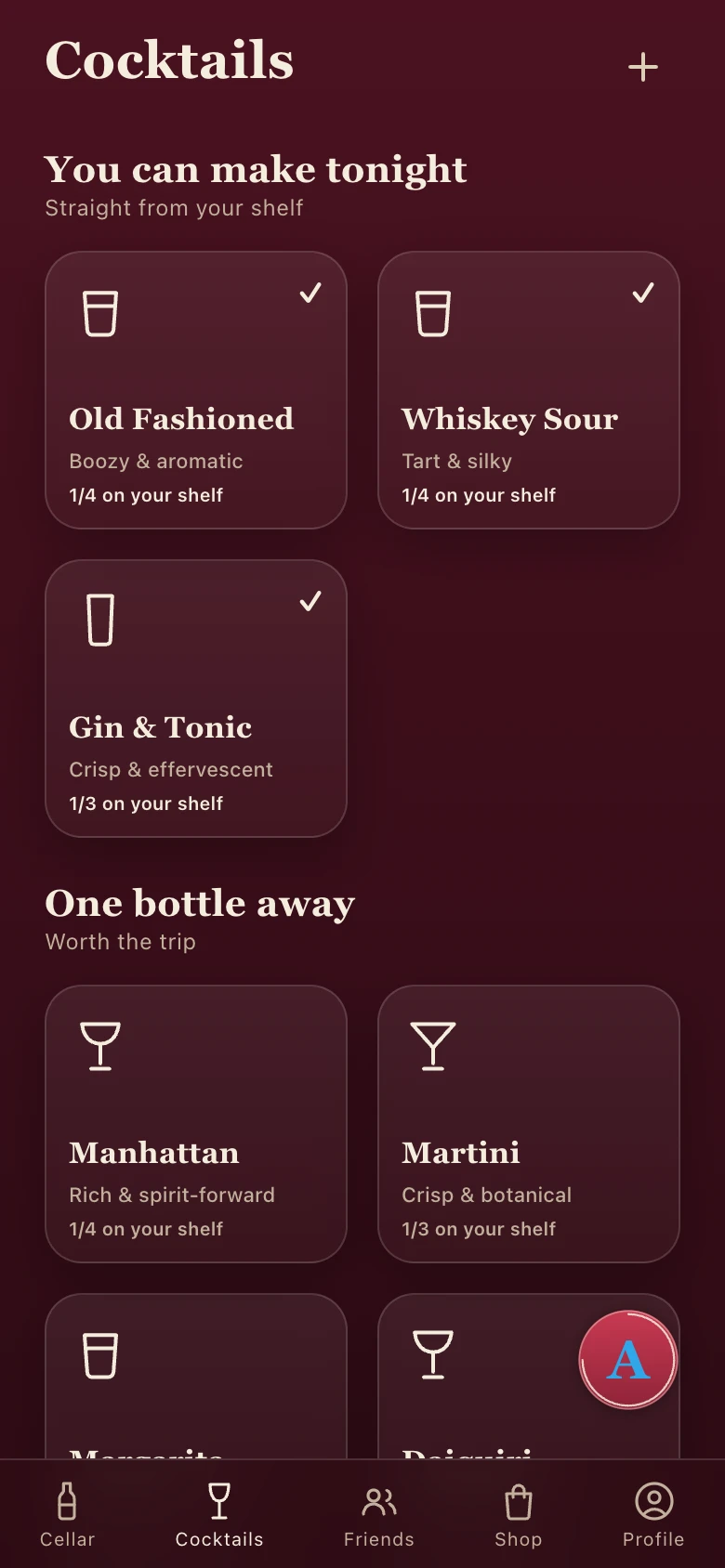
Cellar understands whisky and other spirits too—age statements, grain, peat, flavor, and how much is left. It also shows which cocktails you can make with what you already own.
Track every pourKeep fill levels current without editing quantities.
Mix from your shelfSee what you can make tonight and what one bottle would unlock.
Everything you need
The essentials are grouped around the moments that matter—not buried in a feature checklist.
Scan labels, shelves, receipts, or search by name. Review every result before it joins your collection.
See bottle profiles, drinking windows, Taste DNA, and insights about the regions, grapes, and styles you return to.
Ask Adam, score a restaurant wine list, or find cocktails you can make with what is already on your shelf.
Build physical racks, keep a tasting journal, manage your wishlist, and share with friends you choose.
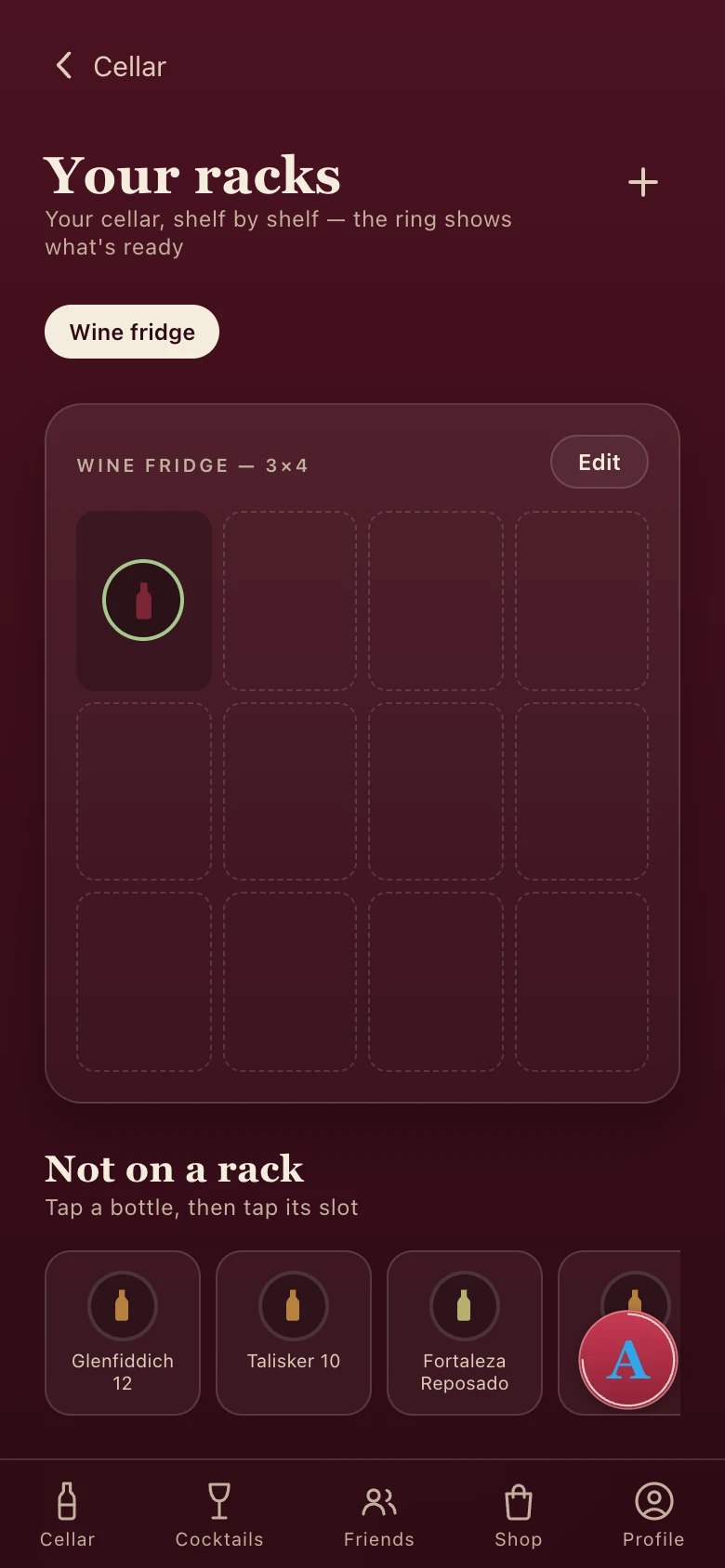
Build racks that mirror your real fridge, cabinet, bar cart, or basement shelf.
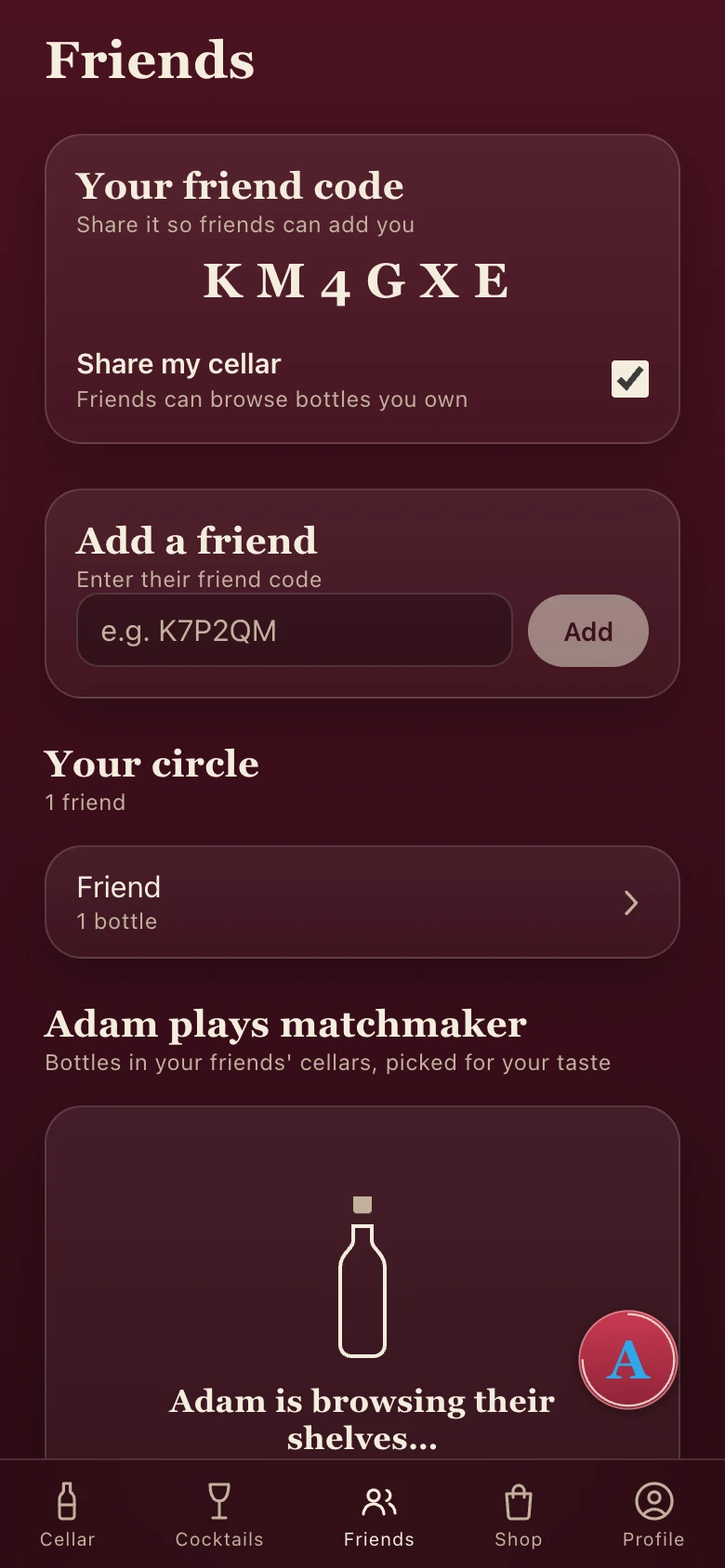
Use friend codes, control collection sharing, and discover bottles your friends think you should try.
Meet Adam
Adam is modeled after the founder's father, a longtime wine-shop owner who asks what you are cooking before recommending a bottle.
Ask what goes with dinner, what to drink soon, or whether a restaurant bottle is worth the price. Adam answers using your collection and your taste—not a generic wine list.
“Ask what is for dinner first. The bottle follows the table—never the other way around.”
Straight answers
Yes. Use the installable web app with the same account and features. Open Cellar in your browser, then add it to your home screen.
Yes. Cellar tracks whisky and other spirits, including age, grain, peat, flavor, and fill level.
Yes. Review and edit what Cellar found before saving it. You can also update bottle details later.
Only you, unless you add friends and keep cellar sharing turned on. Turning sharing off is enforced by the server, not just hidden on screen.
Your photo or question is sent securely to Cellar's servers and an AI provider to return a result. Read the full details in the privacy policy.
Yes. Cellar is intended for adults of legal drinking age—21 and older in the United States.
Scan it now. Cellar will tell you what it is, when to open it, and what to serve with it.

Scan with your phone
drinkcellar.app/get chooses the right version.